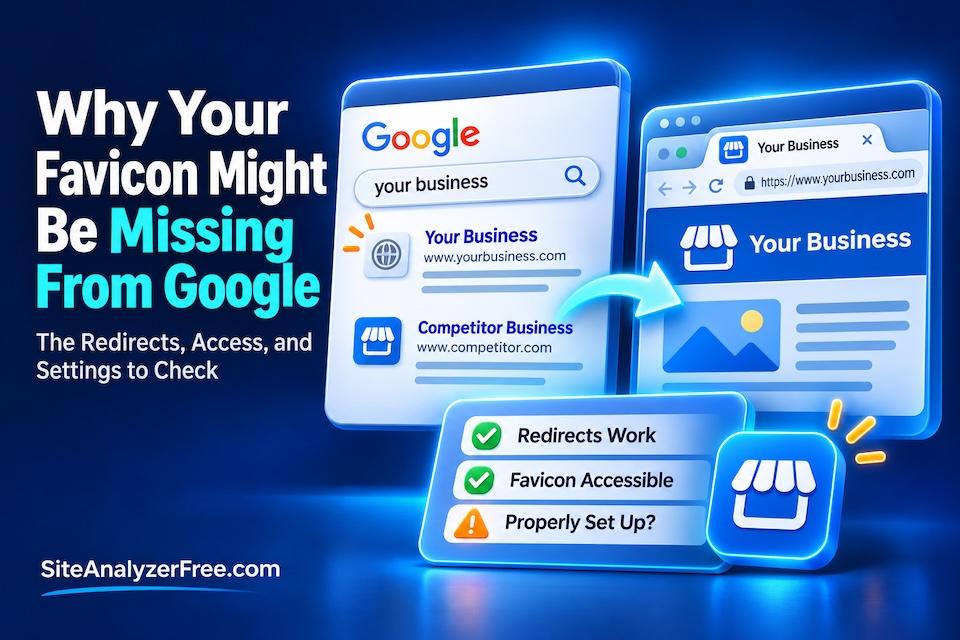
Google Favicon Not Showing? Check These 5 Issues
TL;DR: Google clarified its favicon requirements in October 2026, including how its crawlers handle homepage redirects. If Google can't follow your redirects or access your favicon, your website's icon may not appear in search results. Here's how to check and fix the problem.
Key Takeaways:
- Google clarified its favicon documentation in October 2026, particularly regarding homepage redirects.
- Normal homepage redirects are fine, but Googlebot needs to be able to follow them.
- Googlebot-Image must be able to access the favicon image.
- A favicon that works in a browser isn’t guaranteed to appear in Google Search.
- Google recommends a square favicon larger than 48 × 48 pixels.
- SiteAnalyzerFree.com is developing a Favicon Eligibility check to help identify potential issues.
- Meeting Google’s requirements makes a favicon eligible, but Google controls whether it appears.
Your Website’s Favicon Missing From Google Search? Here’s What to Check
You’ve probably seen those little icons next to website names in Google search results. They’re called favicons, and while they’re small, they help people recognize your website.
But here’s something interesting.
Your favicon can work perfectly on your website and still not appear in Google Search.
In October 2026, Google updated its documentation to clarify how its crawlers find favicons, particularly when a website uses redirects.
It’s a small technical detail that can affect how your business appears in search results.
Let’s look at what’s happening and how to check your website.
What Is a Favicon?
A favicon is the small image associated with your website. You’ll typically see it in browser tabs, bookmarks, and sometimes search results.
Most businesses use a simplified version of their logo.
In Google Search, favicons can help people recognize which company a search result belongs to.
If Google can’t find or use your favicon, it may display a generic icon instead.
That doesn’t necessarily mean anything is wrong with your website’s content or rankings, but it’s worth fixing.
What Did Google Change in October 2026?
Google updated its favicon documentation on October 27, 2026, to clarify an important requirement involving homepage redirects.
Here’s the issue.
Many websites redirect visitors from one version of their domain to another.
For example:
example.comredirects towww.example.comhttp://example.comredirects tohttps://example.com
These redirects are normal. In fact, they’re often part of a properly configured website.
But Google needs to be able to follow those redirects to reach the homepage that identifies your favicon.
Google’s documentation now explicitly clarifies that Googlebot must be able to crawl the homepage and follow its redirects to the page specifying the favicon.
Googlebot-Image must also be able to access the favicon image itself.
This appears to be a clarification of Google’s existing requirements, not a new ranking factor or a confirmed search algorithm change.
Still, it’s a good reminder that something as simple as a redirect or crawler restriction can affect how your website appears in search results.
Why Your Favicon Might Not Appear in Google
There are several possible reasons.
1. Google can’t follow your homepage redirects
Your homepage may redirect through several URLs before reaching its final destination.
If Googlebot encounters a redirect loop, an error, or a restriction that prevents it from reaching the final page, it may not be able to discover the favicon correctly.
Normal redirects aren’t the problem. Broken or inaccessible redirect paths are.
2. Your favicon file is blocked
Your favicon might load normally for visitors but be inaccessible to Googlebot-Image.
This can happen because of crawler restrictions, security rules, or server configuration problems.
3. Your website doesn’t properly identify the favicon
Google looks for a favicon declaration in the homepage’s HTML.
For example:
<link rel="icon" href="/favicon.png">
If the declaration is missing or points to an invalid location, Google may not find the intended image.
4. Your favicon doesn’t meet Google’s requirements
Google requires favicons to be square and at least 8 × 8 pixels.
However, Google recommends using an image larger than 48 × 48 pixels.
The favicon also needs to use a supported image format and be accessible at a stable URL.
5. Google hasn’t updated its search results yet
Even after you correct a favicon problem, Google may not immediately update the icon shown in search results.
Google needs time to recrawl and process the relevant resources. That can take days or weeks.
And meeting Google’s technical requirements doesn’t guarantee that your favicon will be displayed.
How to Check Your Website’s Favicon
Here are a few practical checks you can make.
Step 1: Look at your website in Google Search
Search Google for your business name or website.
Look at the small icon displayed with your listing.
Does it show your favicon, an outdated icon, or a generic placeholder?
Keep in mind that Google may not display a favicon in every search presentation.
Step 2: Check your homepage redirects
Open your website using different variations of its address:
http://yourdomain.comhttps://yourdomain.comhttps://www.yourdomain.com
They should lead visitors to the intended version of your website.
If you encounter errors, redirect loops, or unexpected destinations, investigate further.
A normal redirect from one domain variation to another is fine.
Step 3: Check your favicon declaration
Look at your homepage’s HTML source and search for:
rel="icon"
You should find a declaration pointing to your favicon.
If you don’t, your website may not be identifying its favicon correctly.
Step 4: Open the favicon file directly
Copy the favicon URL from the HTML declaration and open it in your browser.
Does the image load?
If not, there may be a broken URL or an access problem.
Keep in mind that an image loading in your browser doesn’t necessarily prove Google’s crawlers can access it.
Step 5: Check Google Search Console
Use Google’s URL Inspection tool to inspect your homepage.
This can help identify indexing and crawling problems affecting the page.
If you’ve corrected an issue, you can request reindexing of the homepage.
Just remember that requesting indexing doesn’t guarantee an immediate favicon update.
Introducing Favicon Eligibility Checks
At SiteAnalyzerFree.com, we have added a check about Favicon Eligibility to help website owners identify technical issues that could prevent their favicons from appearing in Google Search.
The goal is to check important factors such as:
- Whether a favicon is declared on the homepage.
- Whether homepage redirects lead to the intended destination.
- Whether the favicon URL is accessible.
- Whether the image meets Google’s basic technical requirements.
- Whether detectable crawler restrictions could interfere with access.
This check is intended to help identify potential problems, not guarantee that Google will display a particular favicon.
Google makes the final decision about which favicon, if any, appears in its search results.
Why Small Website Problems Are Worth Checking
A missing favicon probably isn’t going to destroy your business.
But it’s a good example of how website problems can hide behind the scenes.
Your website might look fine. Your logo might appear in the browser tab. Everything might seem normal.
Meanwhile, Google could be encountering a technical issue you never noticed.
And favicons are just one small part of website health.
Broken links, indexing restrictions, redirect problems, missing metadata, and other technical issues can also go unnoticed.
That’s why checking your website periodically is a good idea, particularly after redesigns, migrations, or major changes.
Check Your Website for Hidden Problems
You don’t need to be a programmer to start finding website problems.
Our free website analyzer helps identify technical issues that may affect how your website works and how search engines understand it.
It’s a simple way to see what might need attention before small problems become bigger ones.
Frequently Asked Questions
Does a missing favicon hurt Google rankings?
Google has not identified favicon display as a direct ranking factor. A missing favicon can affect the visual appearance of a search listing, but you shouldn’t assume it causes ranking losses.
Can a redirect prevent Google from finding my favicon?
Yes. If Googlebot cannot follow a homepage redirect to the page declaring the favicon, that can interfere with favicon discovery. Ordinary, accessible redirects are fine.
Why does my favicon show in Chrome but not Google Search?
Browsers and Google Search retrieve and display favicons differently. Google has its own crawling and processing requirements, so a working browser favicon doesn’t guarantee Google will display it.
How long does Google take to update a favicon?
Google says favicon updates may take several days to several weeks after it recrawls the relevant pages and resources.
Can I force Google to display my favicon?
No. You can follow Google’s technical requirements, but Google ultimately decides whether to display your favicon.
Do I need a favicon.ico file?
Not necessarily. Google supports several image formats for favicons, provided the file meets its requirements and is correctly referenced.
Source
Google Search Central: Define a Favicon to Show in Search Results